
Technology
Runs on the devices your school already uses
Browser-based assessments for Windows and Mac computers, Chromebooks, iPads, and Android tablets — with nothing to install on individual devices.
Why this matters
One assessment experience across a mixed device fleet
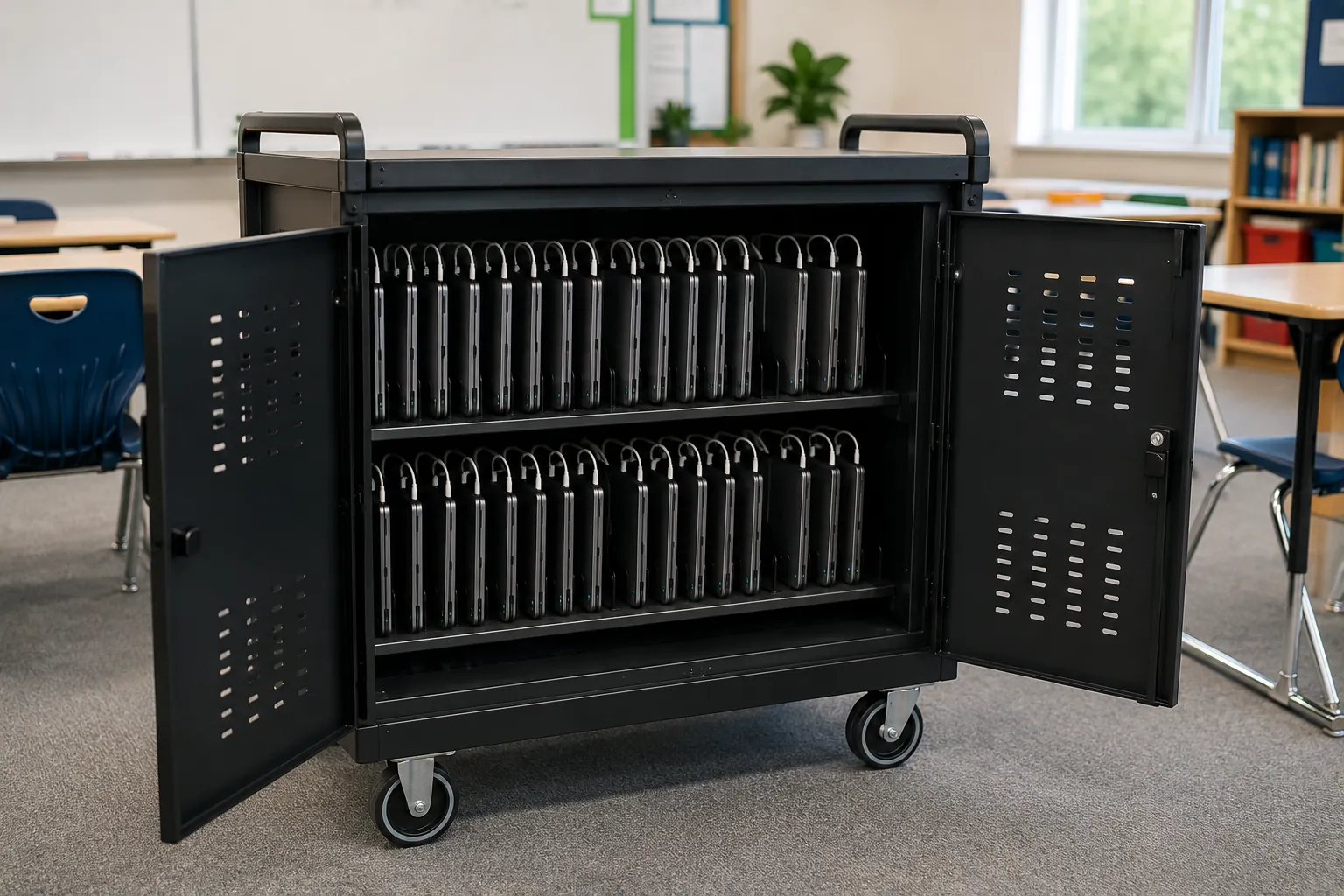
Schools often use different devices across divisions and classrooms: Chromebooks in one area, iPads in another, and Windows or Mac laptops elsewhere. True Progress runs in a web browser across all of them. There is nothing to install on individual devices, no separate testing application to maintain, and no need to standardize the school on a single device type.
If a device fails during testing, the student can move to another supported device and continue. That keeps ordinary technology issues from becoming assessment-day disruptions.
For schools with small technology teams, or no dedicated technology staff, the practical benefit is simple: True Progress fits the equipment and routines already in place.
What each device needs
Simple requirements, familiar equipment
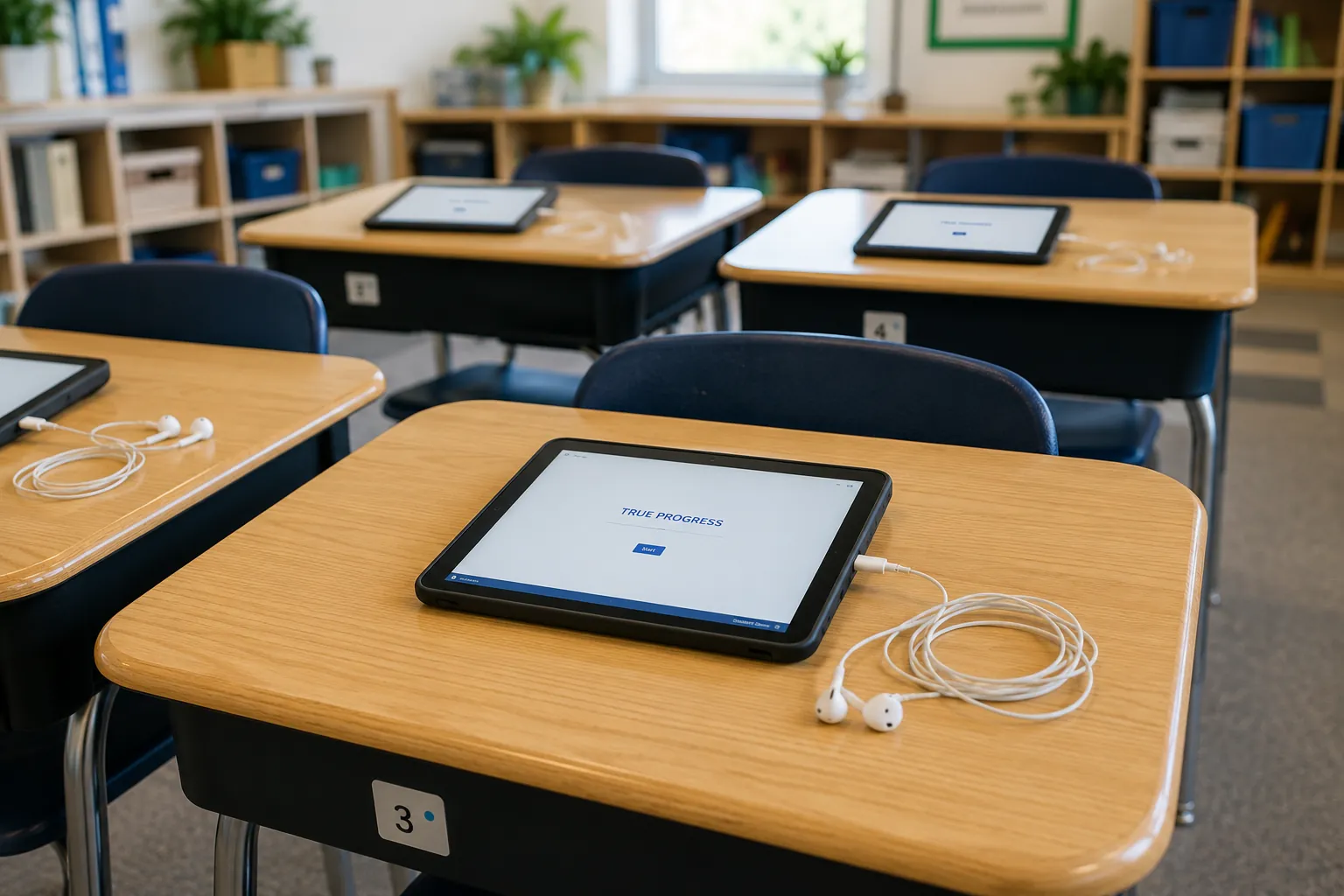
The requirements are intentionally simple. Each student needs:
- —A supported device — Windows or Mac computer, Chromebook, iPad, or Android tablet.
- —A current web browser — Chrome, Firefox, Edge, or Safari. The assessment opens directly in the browser; there is no app to download.
- —A screen of at least 1024 × 768 pixels — a modest size that current Chromebooks, tablets, and laptops all comfortably exceed.
- —An internet connection. During typical assessment use, each active student device uses approximately 20 kilobits per second, so classroom testing places very little demand on the school network.
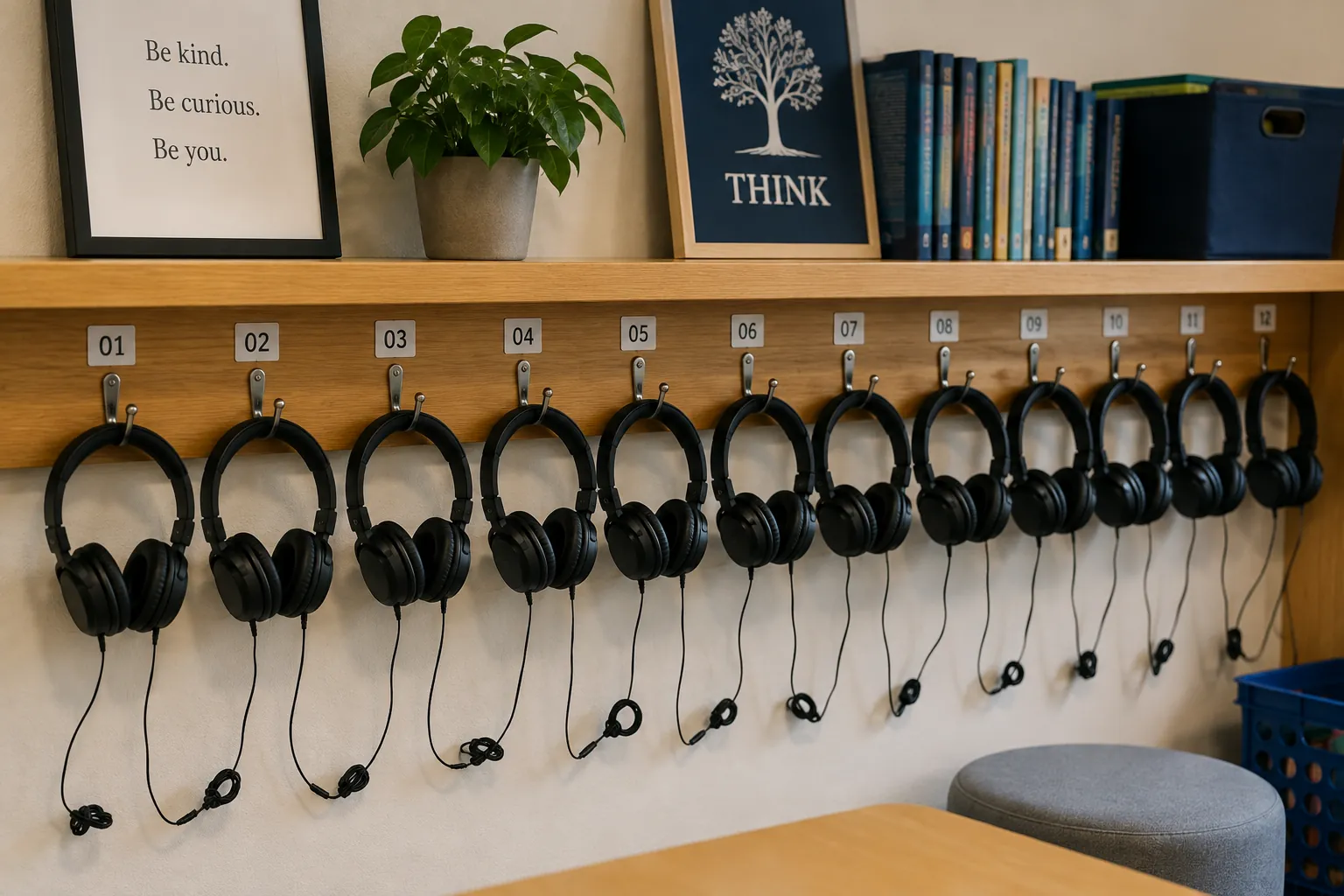
- —Headphones or earbuds — students need to hear assessment audio clearly without competing with classroom noise.
One practical note: for the youngest students working on a laptop, a plug-in mouse is worth having on hand. The built-in trackpad can be difficult for small children, and a mouse makes the experience smoother.
About keeping devices current
Stay current, avoid surprises
True Progress tests and supports current devices, operating systems, and browsers, including releases from the past twelve months.
Older equipment will often continue to run the assessment successfully, but equipment outside the supported range is not covered by the same compatibility testing.
Keeping devices and browsers reasonably current is the simplest way to avoid surprises on testing day. Current supported versions are maintained in the True Progress Support Center.
Your students' data is protected
Built to meet school privacy standards
Student data is encrypted in transit using TLS and encrypted at rest. The platform complies with FERPA and COPPA requirements governing student privacy.
True Progress also supports single sign-on through ClassLink and Clever, so students can access the assessment through credentials they already use.
Confirming your setup
Verify before testing day
Current device, browser, and network requirements are maintained in the True Progress Support Center, including any web addresses that may need to be allowed through the school’s network filter.